







Are your onboarding processes stuck in email chains? Approvals lost in someone's inbox? Autopilot replaces the chaos with one guided, auditable workflow — so nothing falls through the cracks and your team never has to chase again.
Whether you're onboarding new people or routing approvals, Autopilot replaces the back-and-forth with one guided, auditable process — all inside Microsoft Teams.

Stop sending follow-up emails. Autopilot guides every new employee, vendor, or customer through a single digital process — capturing clean, validated data the first time so your team can act on it immediately.
Stop losing requests in inboxes and spreadsheets. Autopilot gives every approver a clear task, every manager a live view, and every auditor a tamper-evident trail — all without leaving Teams.
Before Autopilot, we were lost in emails and Excel tracking leave requests and processes. It's revolutionised how we work — all information is in Teams where we spend our day.
AutoPilot within MS Teams brings great convenience and easy access. It functions smoothly and effortlessly across all our members — exactly what we needed.
We use it for leave workflows, travel requests, capex, and vendor onboarding. The form builder is intuitive, and the Teams integration lets us manage workflows without opening a single browser.
When approvals live in inboxes and onboarding runs on spreadsheets, you get delays, errors, and compliance risk — with no one knowing who's responsible for what.
Autopilot gives your team the structure they need and the visibility you need — all without leaving Microsoft Teams.
No developers needed. Configure your workflows through a simple admin interface — your first process can be live within days of installation.
Find Autopilot in Microsoft Marketplace or the Teams App Store and add it to your tenant in minutes.
Use the no-code form builder and workflow editor to design your process — forms, routing rules, approvers, and reminders.
Add internal and external participants. Autopilot guides each person through exactly what they need to do, step by step.
Monitor every workflow from a live dashboard. Every action is logged — who did what, when, and where — for full compliance.
For over a decade, we've built solutions that live where you work. As a certified Microsoft Solutions Partner, our deep integration ensures Autopilot evolves alongside Microsoft's latest innovations.
Autopilot runs natively inside Microsoft Teams and Office 365 — no browser switching, no separate login. Your team works exactly where they already are.
With Microsoft Copilot integration, Autopilot brings next-generation AI into your processes — automating decisions, surfacing insights, and keeping your data fully secure within your Microsoft tenant.
Natively integrated with



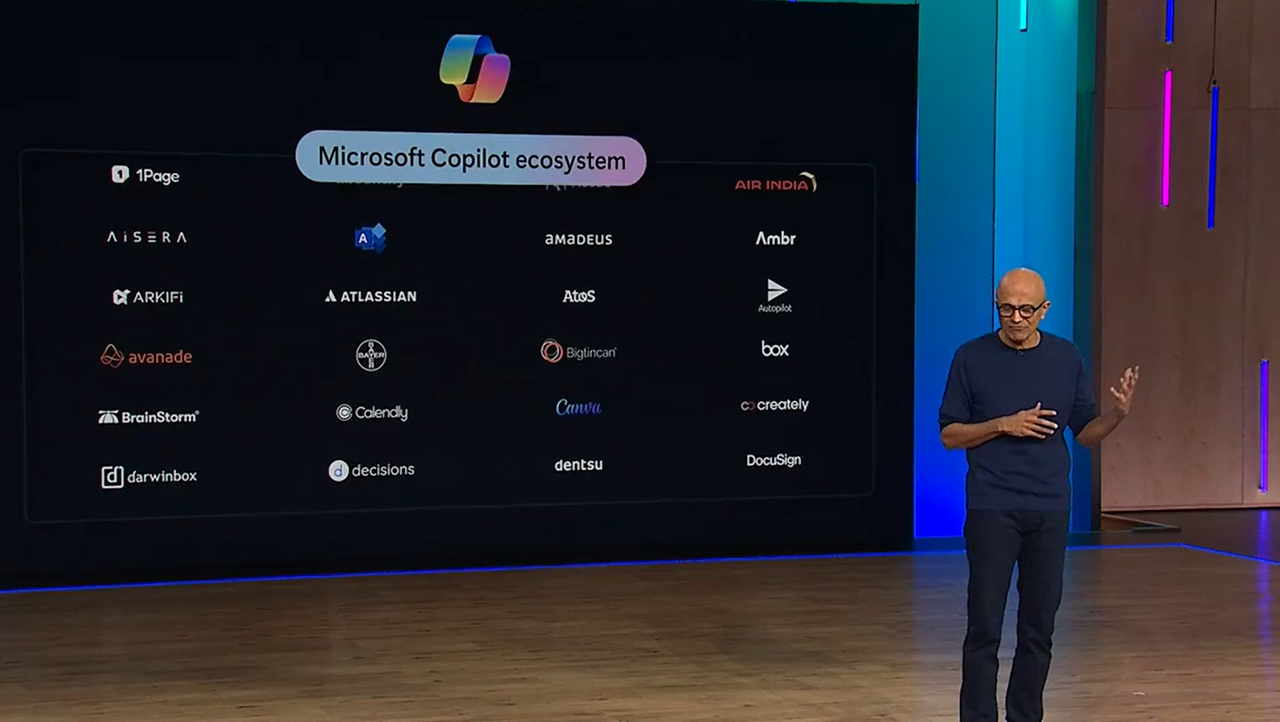

Enhanced by AI.
Stop chasing emails. Connect internal teams and external stakeholders in one guided workflow that ensures accurate, complete data capture — every time.
Reduce manual effort with AI-powered document processing, validation, and routing — while keeping humans firmly in control of every decision.
Compliant e-signatures, tamper-evident document storage, and full audit trails for every workflow — governance built in, not bolted on.
Track progress in real time. See exactly who did what, when, and where — across every step of every process, from a single dashboard.
Your peers are already cutting turnaround times and closing compliance gaps with Autopilot. Here's what that looks like in practice.
LAWD halved time spent managing onboarding, supporting weekly new hires without an internal HR or IT team.

Talksure moved procurement approvals into Microsoft Teams, reducing manual steps and cutting ERP costs across the business.
Your workflows can be live in days — not months. Get Autopilot from Microsoft Marketplace and put your processes on autopilot today.